Best Free Video Maker Templates for Fast Content Creation
Mar 5, 2026


Creating high-quality videos no longer requires advanced editing skills or expensive software. With the rise of free video templates and AI-powered tools, anyone can produce engaging content in minutes.
If you're looking for the best free video maker templates for fast content creation, this guide covers the top platforms offering social media video templates free, customizable AI video templates, and the easiest video generator templates for beginners and professionals alike. We’ll also show how Fish Audio can enhance your videos with realistic AI voiceovers.
Why Use Free Video Templates?
Using free video templates allows creators to:
-
Produce content quickly
-
Maintain visual consistency
-
Scale across multiple platforms
-
Reduce editing time
-
Automate parts of the workflow
Modern AI video templates go even further by automatically adjusting scenes, transitions, text placement, and formatting for different platforms like TikTok, Instagram, and YouTube.
For marketers, content creators, and small businesses, social media video templates free options make it easy to stay consistent without hiring a full production team.
1. Canva: Easiest Video Generator Templates
Canva is one of the most beginner-friendly platforms offering free video templates.
Why It’s Popular
-
Drag-and-drop interface
-
Thousands of social media video templates free
-
Pre-sized formats for Reels, Shorts, TikTok, and ads
-
AI-powered design suggestions
Best For
Creators looking for the easiest video generator templates with minimal learning curve.
Canva’s AI features can auto-generate layouts and adjust content, making it ideal for fast promotional videos, announcements, and short-form content.
2. CapCut: AI Video Templates for Social Media
CapCut offers a wide range of trending AI video templates that automatically sync text, music, and effects.
Key Features
-
One-click social media templates
-
Auto captions
-
Beat-sync transitions
-
Smart resizing
-
Mobile and desktop support
Why It Stands Out
CapCut excels in social media video templates free designed specifically for viral content formats. Many templates automatically apply effects and timing adjustments, reducing manual editing.
For TikTok-style or Instagram Reel videos, CapCut provides some of the fastest workflows available.
3. InVideo: Professional Free Video Templates
InVideo offers thousands of free video templates across industries.
Highlights
-
Business promos
-
YouTube intros
-
Product ads
-
Slideshow videos
-
Explainer formats
AI Enhancements
InVideo includes AI script assistance and automated scene suggestions, making it a strong contender for creators who want structured AI video templates for marketing content.
It’s particularly useful for small businesses producing consistent branded videos.
4. Adobe Express: Branded Social Media Templates
Adobe Express provides professionally designed social media video templates free for:
-
Instagram Stories
-
Facebook Ads
-
YouTube thumbnails and promos
-
Event announcements
Why It’s Effective
Adobe Express integrates brand kits, making it easy to maintain consistent colors, fonts, and style across multiple videos. This is ideal for fast content creation at scale.
5. FlexClip: Fast Template-Based Editing
- FlexClip focuses on simplicity and speed.
Features
-
Drag-and-drop editor
-
Stock video library
-
Text animations
-
Pre-built slideshow templates
It’s a strong option for users who want easiest video generator templates without complex editing tools.
Enhancing Templates with AI Voice: Why Fish Audio Matters
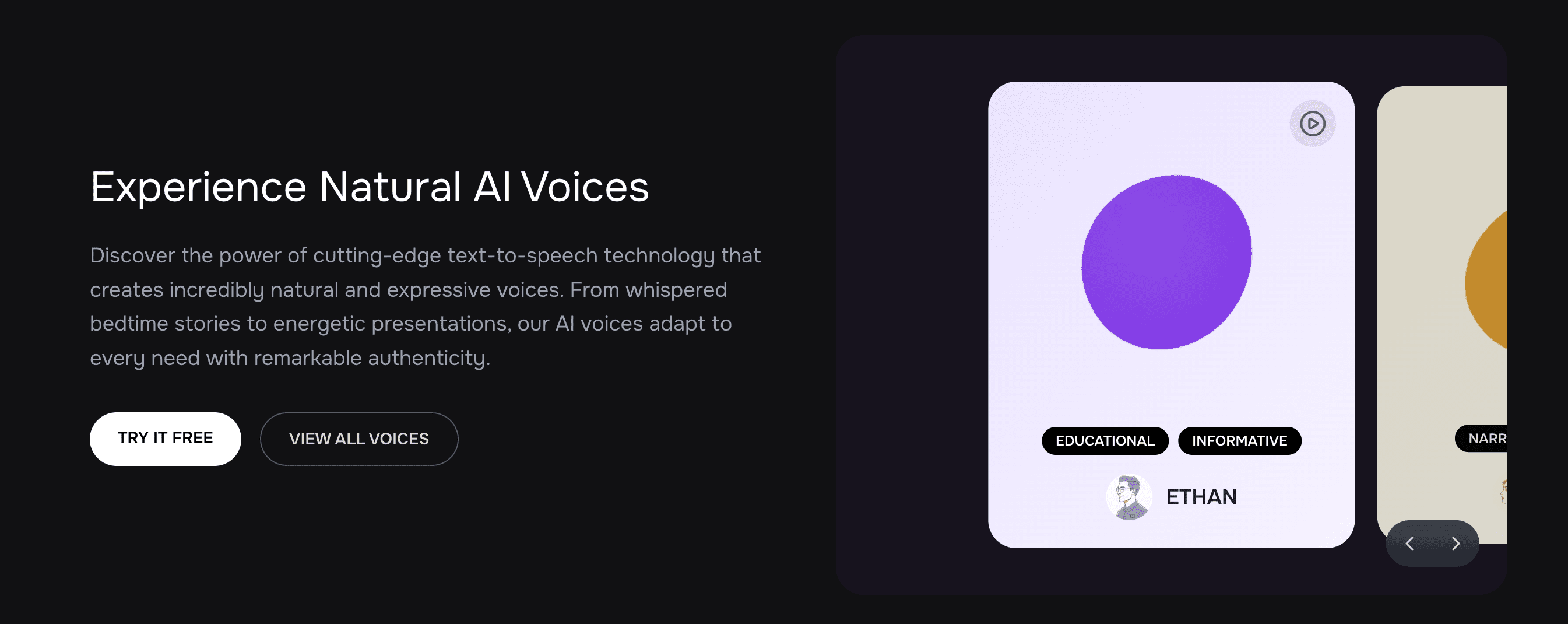
Templates handle visuals, but voice is what makes content feel professional. Fish Audio is an AI voice generation platform that enhances AI video templates with realistic narration.
What Fish Audio Offers
-
Natural AI text-to-speech
-
Multilingual voice support
-
Emotional tone control
-
Fast voice rendering
-
API support for automation
How to Use Fish Audio with Free Video Templates
Here’s a simple workflow:
-
Choose a free video template
-
Customize text and visuals
-
Generate a script
-
Convert script to voice using Fish Audio
-
Upload the voiceover into your template
-
Export and publish
This approach dramatically improves engagement, especially for:
-
Explainer videos
-
E-learning content
-
Product demonstrations
-
Faceless YouTube videos
-
Short-form educational content
By combining AI video templates with Fish Audio, creators can build scalable video systems that feel polished and professional.
How to Choose the Best Free Video Templates
When selecting templates, consider:
1. Platform Optimization
Look for templates sized for TikTok, Reels, Shorts, and YouTube.
2. Customization Flexibility
Ensure fonts, colors, transitions, and timing are adjustable.
3. AI Assistance
Platforms offering AI video templates with automated suggestions save significant time.
4. Export Quality
Check resolution limits on free plans.
5. Voice Integration
Choose platforms that allow easy voiceover uploads to integrate Fish Audio smoothly.
Best Use Cases for Social Media Video Templates Free
-
Daily motivational videos
-
Business promotions
-
Product highlights
-
Educational shorts
-
Testimonial videos
-
Event announcements
-
News-style updates
Using the easiest video generator templates, creators can produce multiple videos per day without advanced editing knowledge.
Final Thoughts
The demand for fast content creation continues to grow. Thankfully, free video templates and AI video templates make it possible to produce engaging videos in minutes.
Platforms like Canva, CapCut, InVideo, Adobe Express, and FlexClip offer powerful social media video templates free for creators at every level. To maximize impact, pairing these templates with AI voice solutions like Fish Audio elevates content quality and increases engagement.
If you're looking for the easiest video generator templates to scale your content quickly while maintaining professional quality, these tools provide the perfect starting point in 2026.